
How fill-and-print works
Each sheet is a small page with a form on the left and a live A4 preview on the right. As you type a plant name, a date or a pot size, the preview redraws instantly, so you see exactly what will come out of the printer. Dates are calculated for you: a deflask date becomes four dated weaning phases, a quarantine arrival date becomes Day 7, 14 and 21 inspection dates, and a plant passport entry date becomes the date you may finally discard the record, three years on.
When the preview looks right, press Print / Save Clean A4 PDF. Your browser's own print dialogue opens. Choose a printer, or choose Save as PDF as the destination to keep a copy on your phone or laptop. On Windows the shortcut is Ctrl+P, on a Mac Cmd+P. Leave scaling at 100% and margins at default for the crispest result; the sheets are laid out for A4 with a 12mm margin and also fit US Letter.
The print stylesheet strips out everything that belongs to the website: menus, buttons, our explanations, questions and the footer. What prints is the sheet alone, black ink on white paper, hairline borders and square tick boxes that photocopy cleanly. The label generator adds dashed crop marks so you can cut tags from card stock with a craft knife and a steel rule.
Why paper records still matter on a plant bench
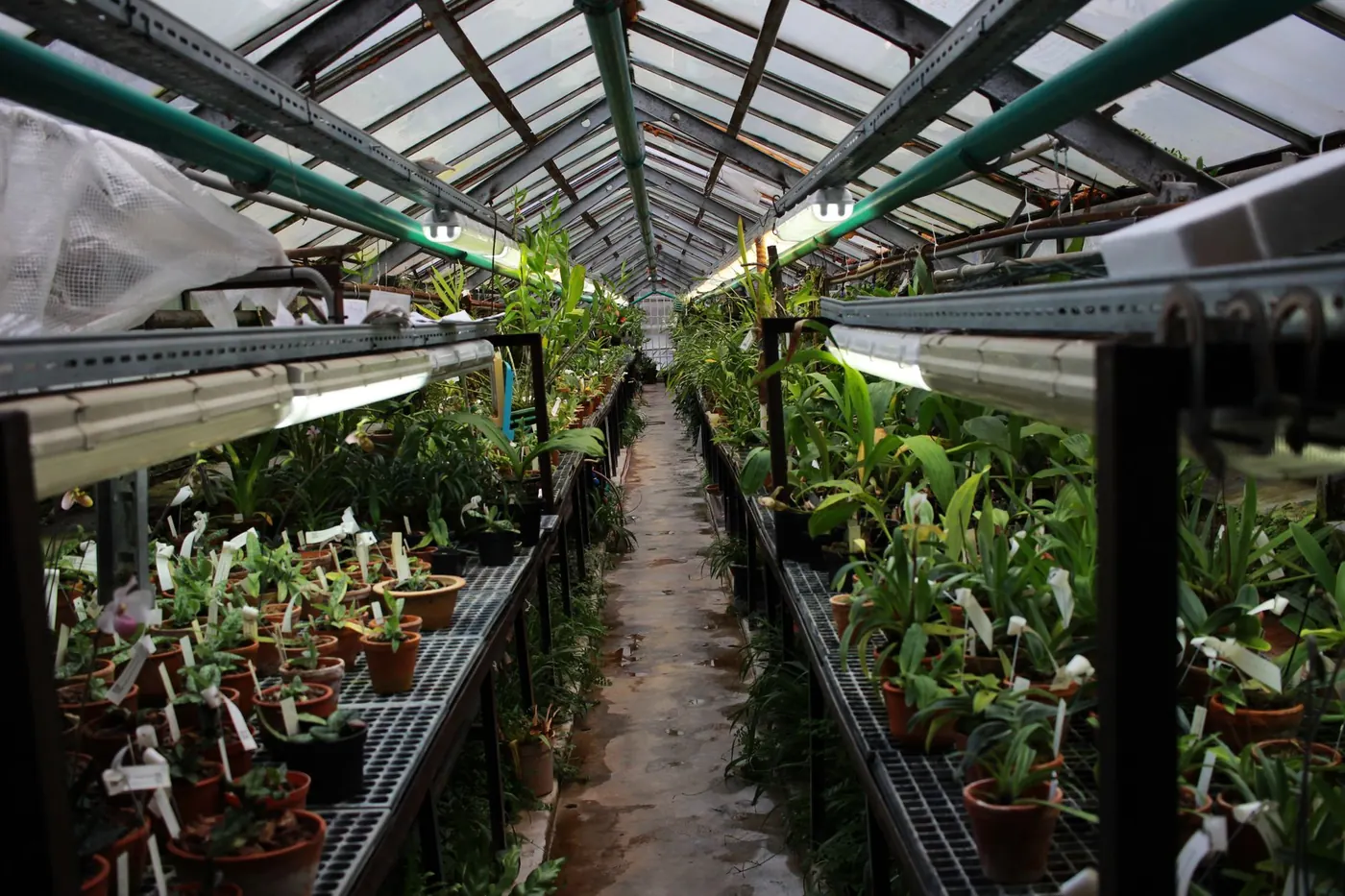
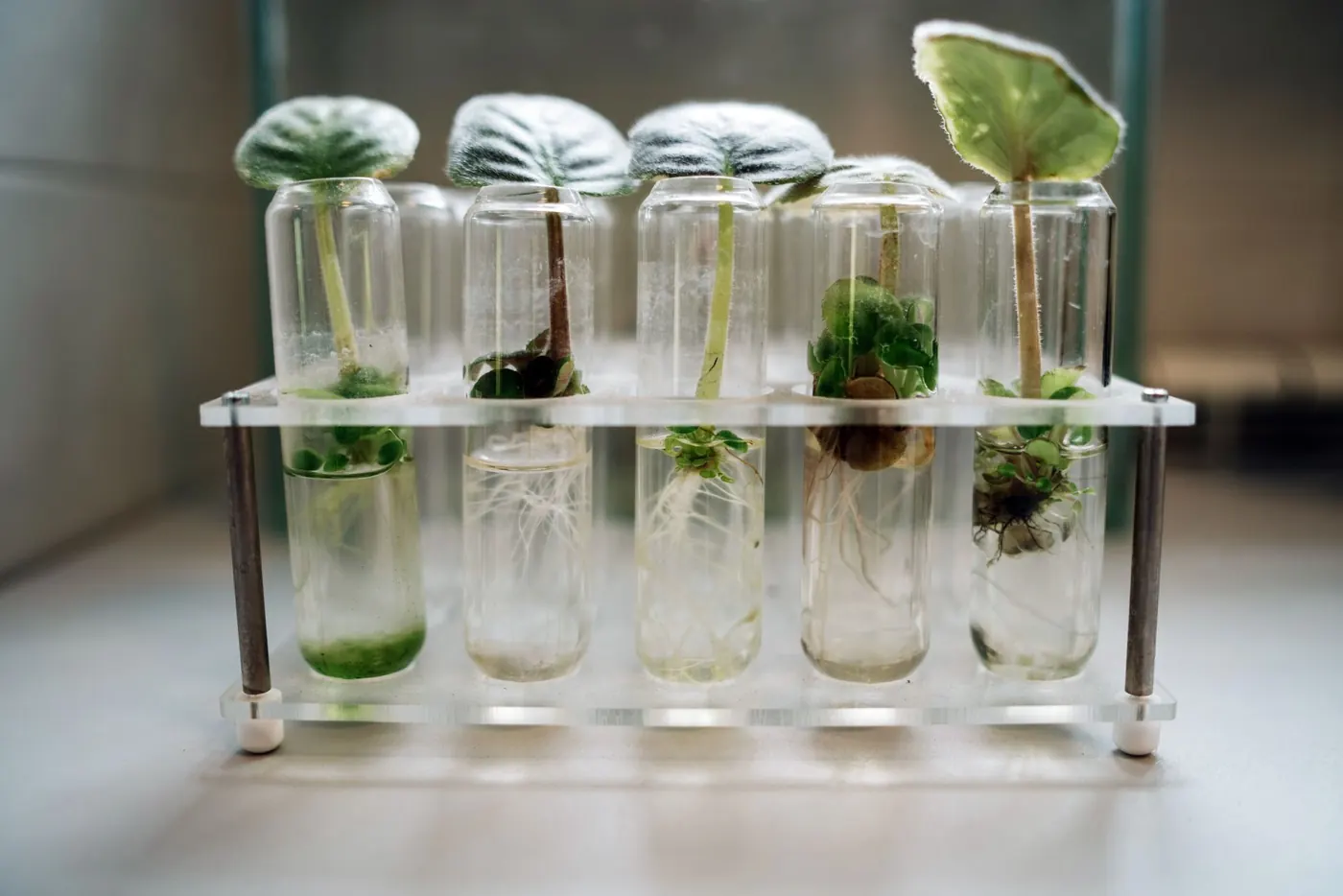
A phone note does not hang from a quarantine shelf, survive a splash from a watering can or get initialled by a plant sitter. Paper does. On our own benches every new batch carries a card with its arrival date, passport details and inspection boxes, and every humidity dome in the tissue-culture room has a weaning chart taped to the lid. The same habits make a home collection easier to run: you stop guessing when a plant was last repotted, which mix it went into or whether a pest treatment is due.
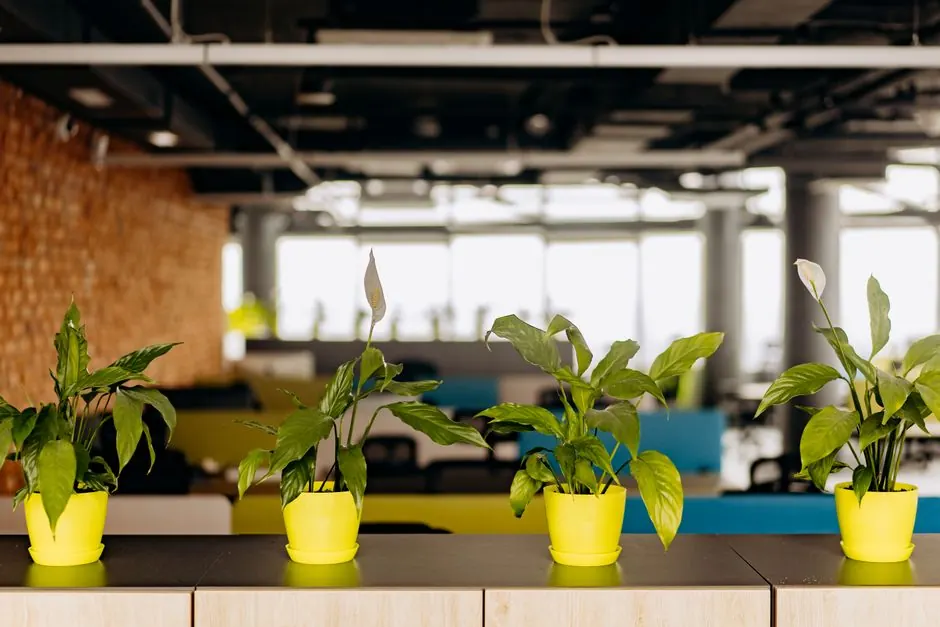
For businesses the record is not optional. Plant shops and garden centres that receive plants with UK Plant Passports are expected to keep traceability records of what came in from whom for at least three years. Facilities teams that look after office plants need a maintenance trail for the same reason they keep one for lifts and air handling: it shows the job was done and makes problems visible early.
Sheets and calculators work together
The four interactive calculators answer a question; the sheets keep the record. Use the repotting calculator to work out litres and bags, then log the repot on the collection register. Check a window with the light finder, then write the PPFD on a pot tag. Cost an office scheme in the commercial estimator, or keep the plants yourself with the maintenance log. The method behind each sheet is explained in our Care & Root Lab protocols, from tissue-culture weaning to biological pest control and plant passports.
Privacy by design
None of these sheets talk to a server while you fill them in. There are no accounts, no saved drafts in the cloud and no tracking of what you type. If you copy a shareable link, it keeps plant settings such as species, pot sizes and dates, never names, phone numbers, addresses or supplier details. Each sheet has one optional button that takes a plant, pot or display summary to our order and enquiry form, where you decide whether to send anything at all.